Import or build from scratch
How to Create a Direct Booking Website in
3 Easy Steps.
Learn how to create a direct booking website by importing your Airbnb or Vrbo listing or starting fresh with our guided setup. Keep your property details, connect your calendars, customize your brand, and begin accepting direct bookings through your own website.
- Import your existing property information
- Build a new listing from scratch
- Sync compatible booking calendars
- Accept direct reservations and payments
- Secure setup
- Commission-free
- Cancel anytime
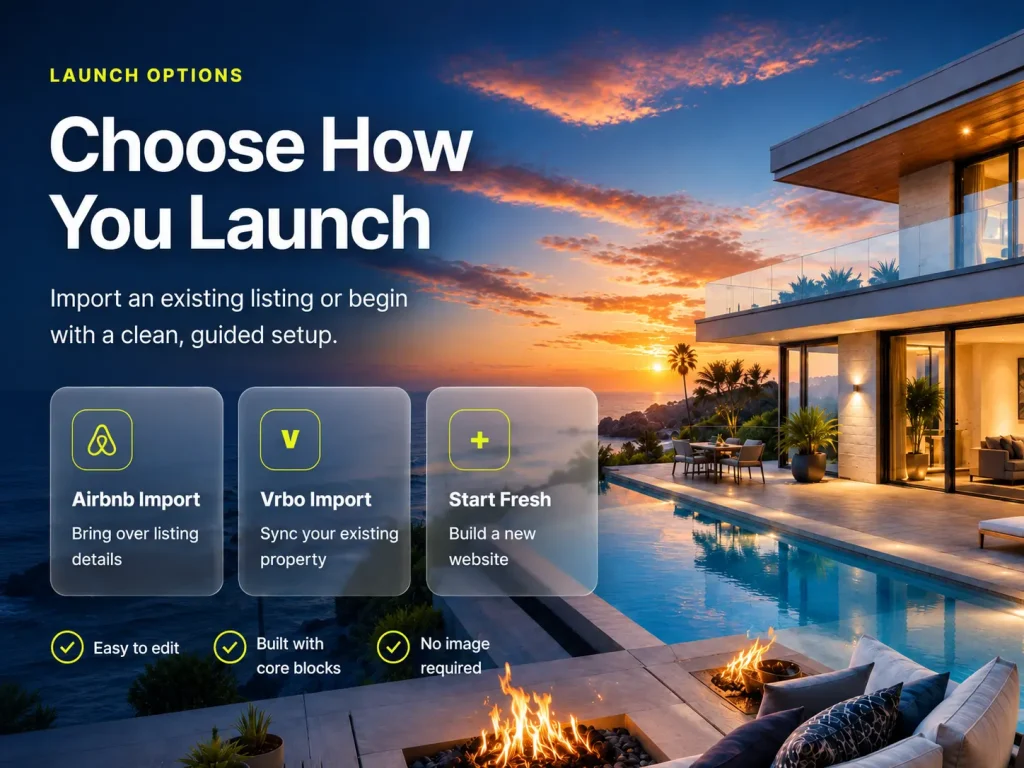
Launch options
Choose how you launch
Import an existing listing or begin with a clean, guided setup.
Airbnb Import
Bring over listing details
Vrbo Import
Sync your existing property
Start Fresh
Build a new website
✓ Easy to edit
✓ Built with core blocks
✓ No image required
Save Time
Import in minutes
Keep 100%
No booking commissions
Sync Calendars
Automatic updates
Full Control
Your website, your rules
Import or Start New.
It’s Your Choice.
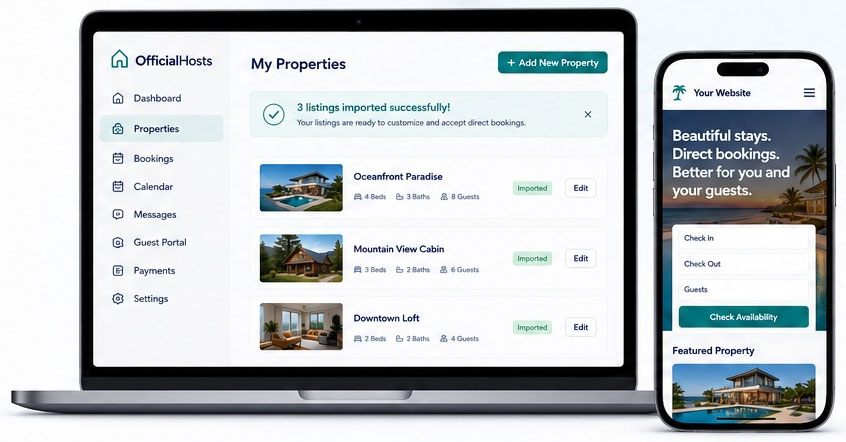
Import your listings from Airbnb or Vrbo in minutes or start fresh with our easy setup. Either way, you’ll be ready to accept direct bookings on your own website.
Start a New Website
Build your website from scratch with our guided setup in just a few simple steps.
- Get your website live fast
- Sync calendars automatically
- Keep your details, photos & rates
- Start accepting direct bookings
Secure. Easy. Commission-Free.
Save Time
Import in minutes and get booked faster.
Stay in Sync
Calendars update automatically across all platforms.
No Commissions
Keep 100% of what you earn on direct bookings.
Secure & Reliable
Your data is safe with enterprise-grade security.
Grow Your Business
Own your brand and build lasting relationships with your guests.
Ready to take control of your bookings?
Import or start new today and create your direct booking website.
7-day free trial
No contracts
Unlimited Bookings
Join thousands of property owners.
Import, customize, and launch
How to Create a Direct Booking Website in 3 Easy Steps
Learning how to create a direct booking website does not require starting your vacation rental business over. OfficialHosts lets you import an existing Airbnb or Vrbo listing or begin with a guided setup, then customize the website around your property and brand.
Step 1
Import or Start Fresh
Import your listing details, photos, rates, and property information from Airbnb or Vrbo, or use the guided setup to build a new listing from scratch. This gives every host a clear starting point.
Step 2
Review and Connect
Review your property content, update the details guests need, and connect compatible calendars to help keep availability organized. Vrbo also documents how imported iCal calendars can keep availability accurate across booking platforms.
Step 3
Publish and Accept Bookings
Publish your branded property website, connect your preferred payment method, and begin accepting direct reservations. OfficialHosts does not take a booking commission from the direct bookings collected through your website.
A Faster Way to Launch Your Direct Booking Business
Once you understand how to create a direct booking website, you can choose the setup path that fits your business. Importing saves time when your listing is already established, while starting fresh gives you full control from the beginning. Both options lead to a website you can edit, brand, and manage from one place.
Explore calendar synchronization, review your direct payment options, or begin the guided process when you are ready to create your property website.
Import, customize, and launch
How to Create a Direct Booking Website in 3 Easy Steps
Learning how to create a direct booking website does not require starting your vacation rental business over. OfficialHosts lets you import an existing Airbnb or Vrbo listing or begin with a guided setup, then customize the website around your property and brand.
Step 1
Import or Start Fresh
Import your listing details, photos, rates, and property information from Airbnb or Vrbo, or use the guided setup to build a new listing from scratch. This gives every host a clear starting point.
Step 2
Review and Connect
Review your property content, update the details guests need, and connect compatible calendars to help keep availability organized. Vrbo also documents how imported iCal calendars can keep availability accurate across booking platforms.
Step 3
Publish and Accept Bookings
Publish your branded property website, connect your preferred payment method, and begin accepting direct reservations. OfficialHosts does not take a booking commission from the direct bookings collected through your website.
A Faster Way to Launch Your Direct Booking Business
Once you understand how to create a direct booking website, you can choose the setup path that fits your business. Importing saves time when your listing is already established, while starting fresh gives you full control from the beginning. Both options lead to a website you can edit, brand, and manage from one place.
Explore calendar synchronization, review your direct payment options, or begin the guided process when you are ready to create your property website.